Back to help centerSupport
Solve IPTV problems: login, EPG, sound, picture and channels
Most IPTV problems can be narrowed down quickly when login, app, network and device are checked separately.
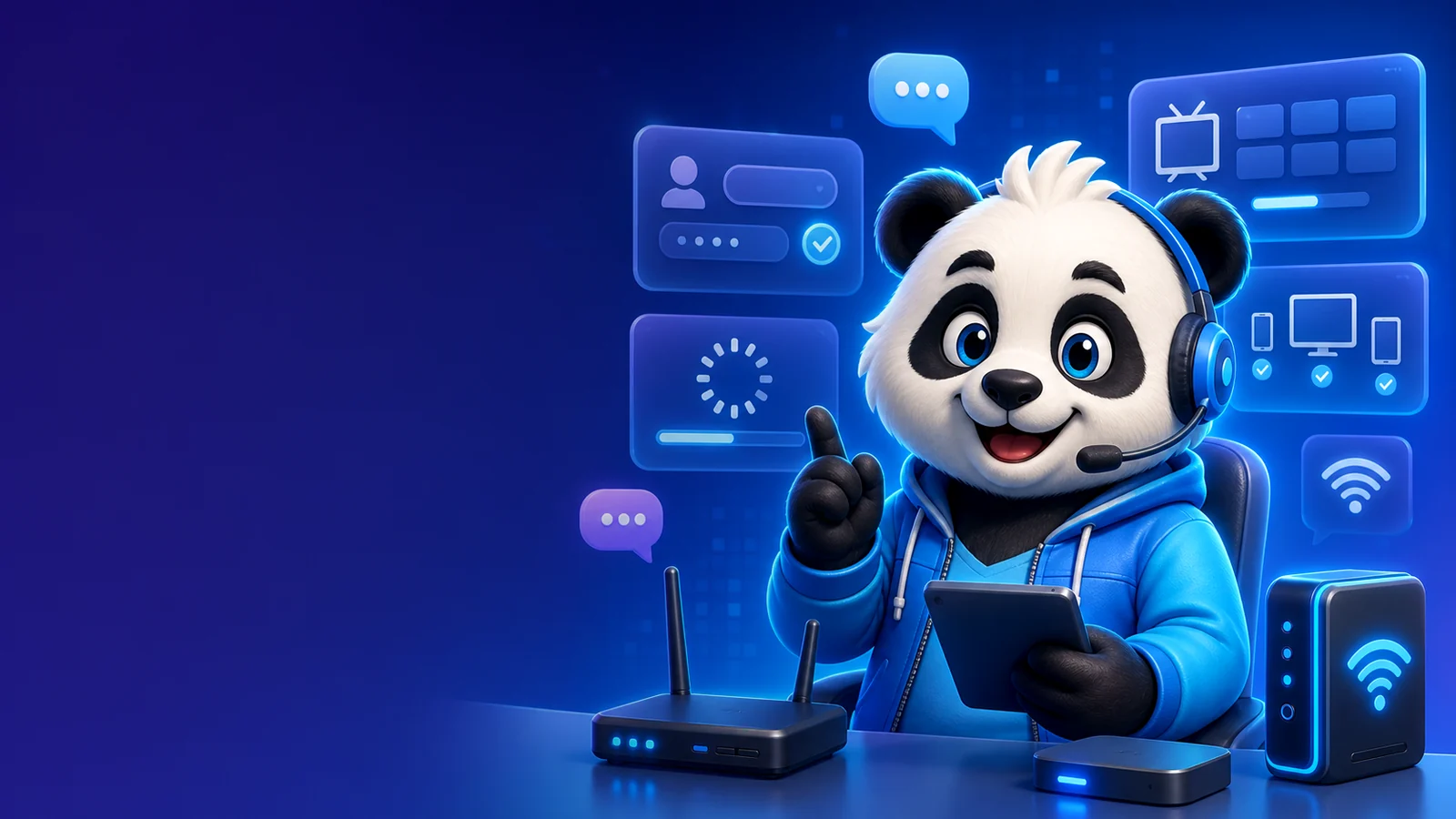
Step by step
- Check whether server URL, username and password are exact.
- Test another channel and another category.
- Restart app, device and router.
- Clear cache or reinstall the app.
- Test a second app such as IPTV Smarters, TiviMate or VLC.
- Send support the app name, device, error message and screenshot.
IPandaTV tip
Test your setup before choosing a runtime
Once app, device and connection run stable, choose the right package in chat.
Tips for a clean setup
- Invalid login usually means wrong or expired access data.
- Empty EPG is often a TV guide configuration issue.
- Black picture with sound can be a player or codec issue.
FAQ
What does invalid login mean?
The app cannot authenticate server URL, username or password. A typo, space or expired access is common.
Why is EPG empty?
EPG may need to be refreshed or a separate EPG link may be required.
What does support need?
Device, app name, screenshot, error message and whether Xtream Codes or M3U is used.